Turn any TV into an advertising screen
With Bildschirmzentrale's simple digital signage software, you can show images, videos, offers and menus on existing TVs, smart TVs or Fire TV Sticks – no special hardware or technical skills required.
No credit card required · First screen online in under 10 minutes
30 days free · Basic from €49/year · Pro from €99/year
Why a digital advertising screen really pays off
Digital screens sell more than posters – and with Bildschirmzentrale, setting one up has never been easier.
Your own advertising screen in 3 steps
Digital signage with Bildschirmzentrale is this simple – no technical knowledge required.
Register for free
Create your account in a minute. Upload images and videos – or let the AI assistant design finished ad slides and menus for you.
Build your slideshow
Arrange your content with drag & drop, set display durations and schedules – e.g. breakfast menu in the morning, lunch from 11 am, offers in the evening.
Connect your screen
Open a short link on your TV, Fire TV Stick, smart TV or tablet – your advertising screen is live. Update content anytime from your desk or phone.
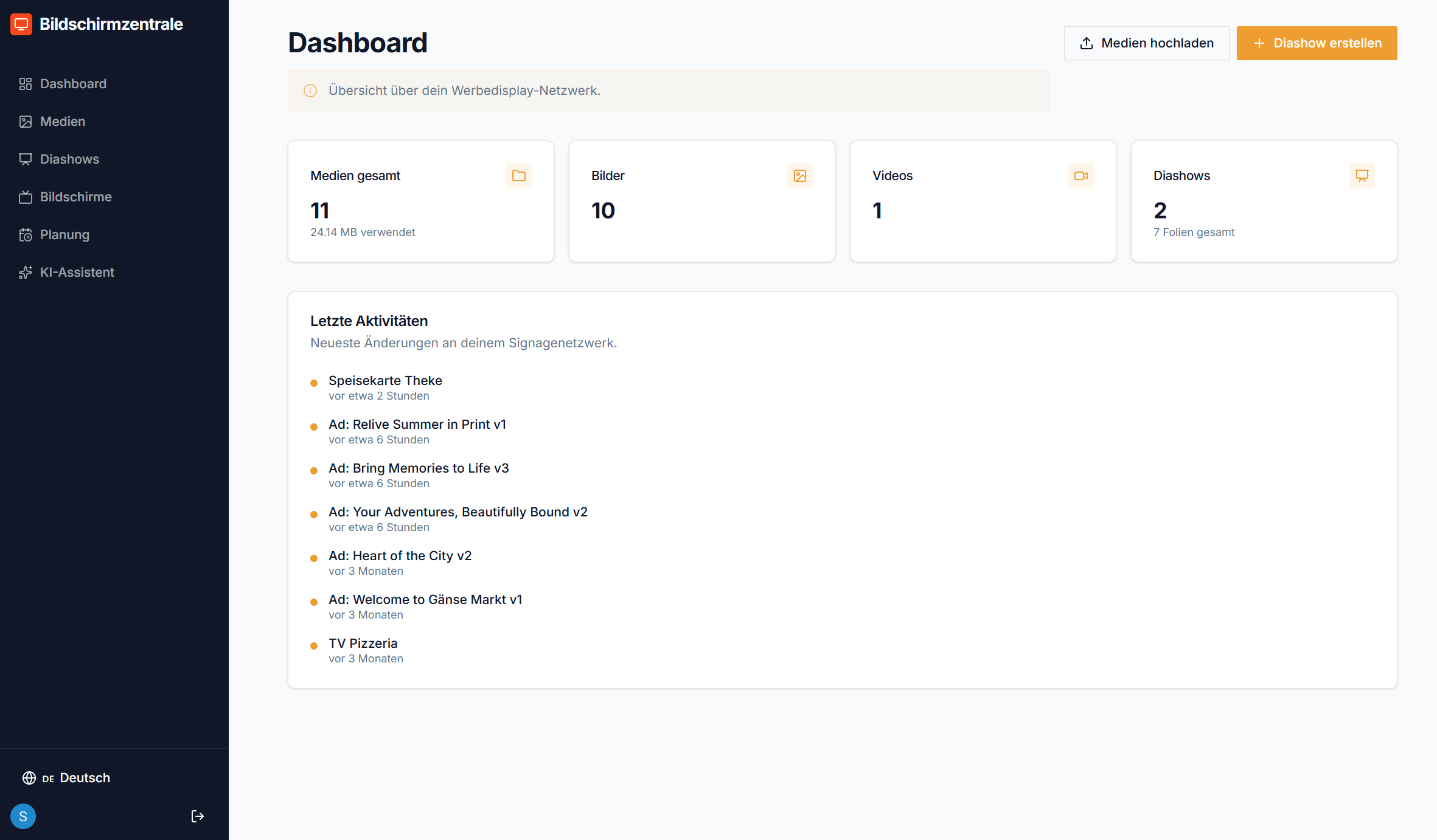
The dashboard – everything in one place
From your first file to a live advertising screen: everything in one clear browser dashboard – easy to use, even without technical knowledge.
- 1Upload media – Images and videos with a click or drag & drop, instantly available in all slideshows.
- 2Generate AI ads – Upload a photo and a short description, get a finished ad slide in seconds.
- 3Set up your slideshow – Arrange order, display durations and schedules with drag & drop.
- 4Track screens live – Online status, active slideshow and last contact for every screen at a glance.
What our customers say
Real experiences from owners and operators who use Bildschirmzentrale every day.

The slideshow in our waiting area now shows our projects – clients ask about them directly. Set up in one lunch break.
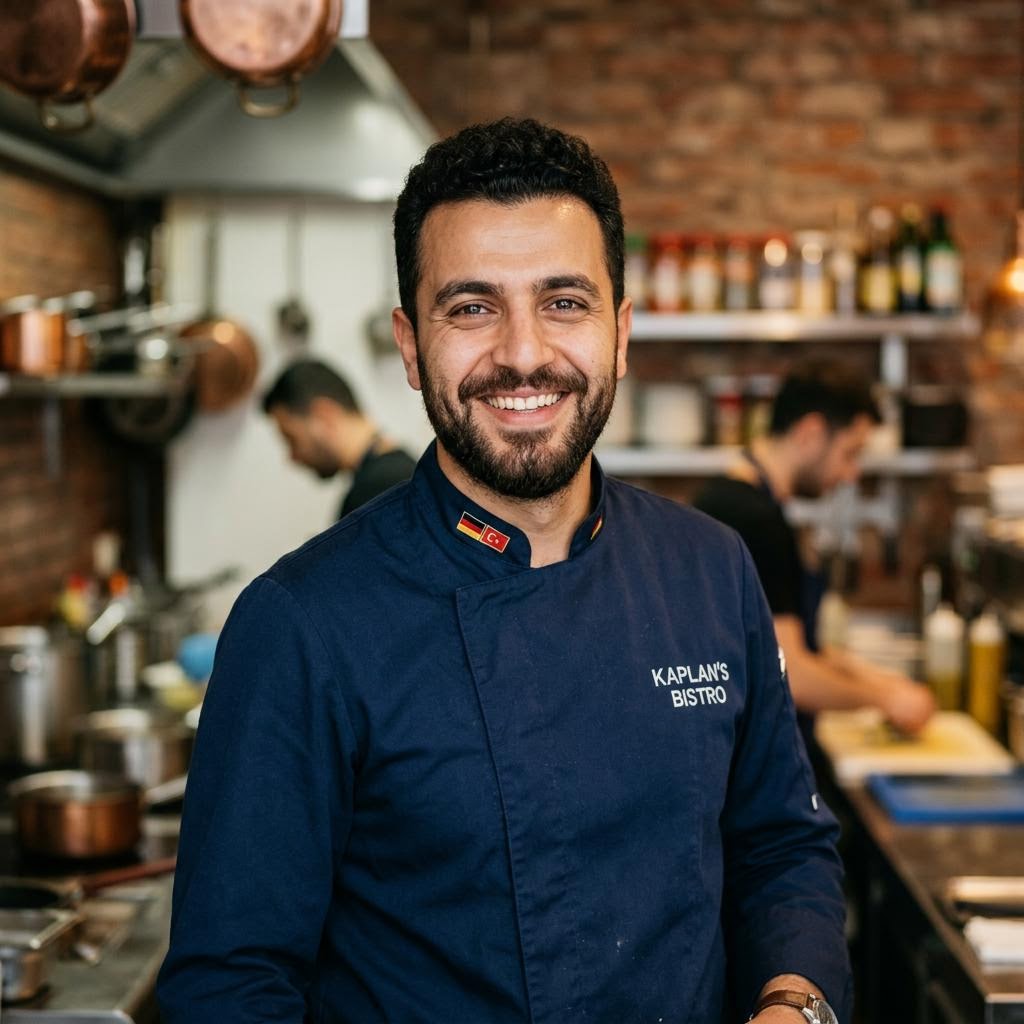
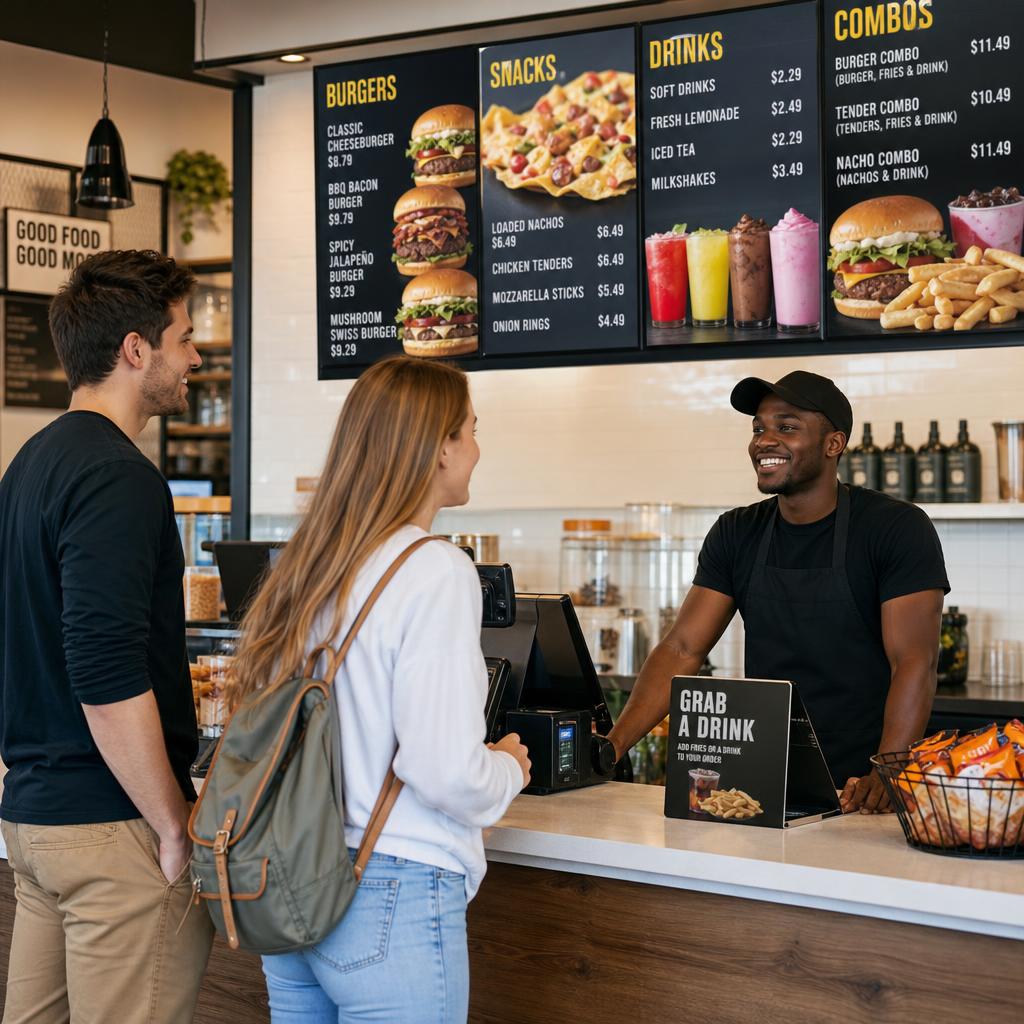
The menu board above the counter saves us weekly printing. We change prices in 30 seconds now – from our phone.

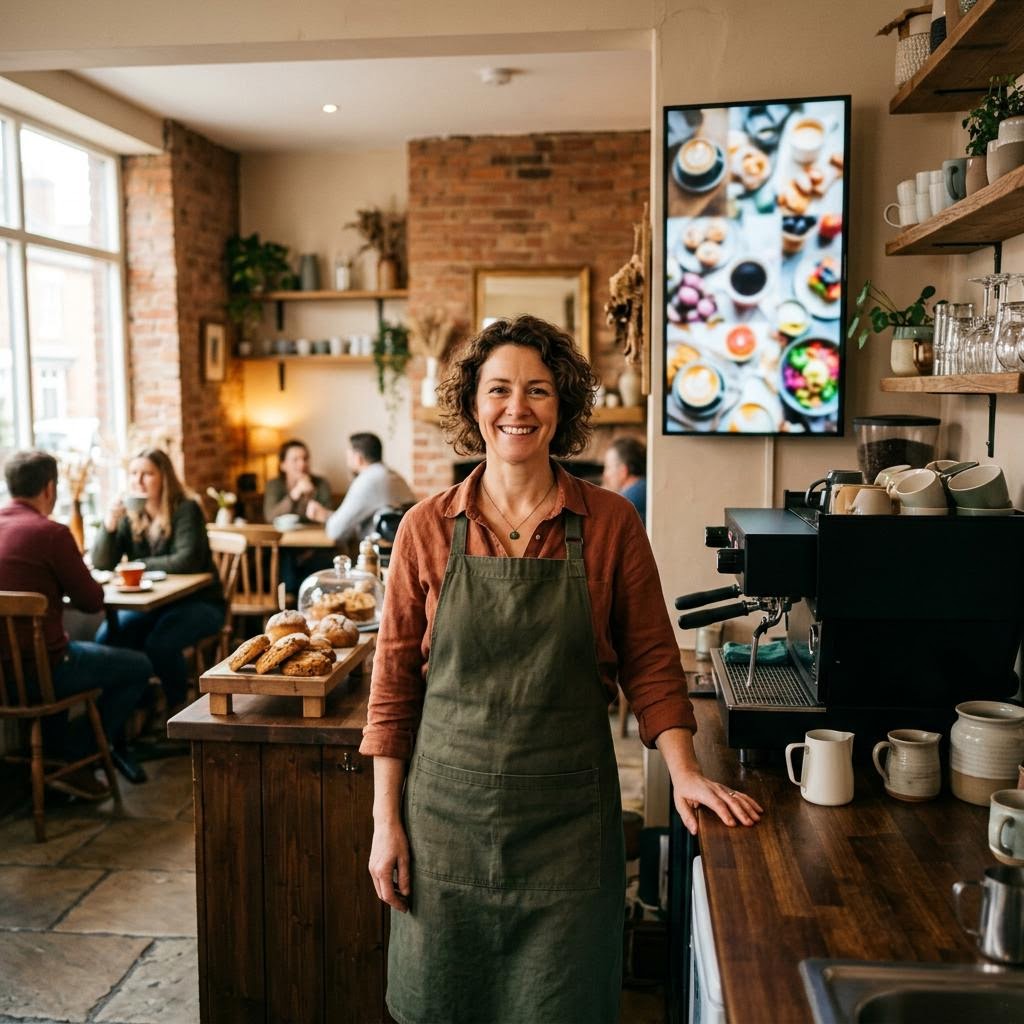
Daily specials are online in the morning before we open. The AI assistant creates the image automatically.

Before consultations, a slide with current rates plays at the reception. Clients arrive informed – that saves real time in the first meeting.

I update seasonal health tips and opening hours on all screens from my phone – no printing, no swapping notices.

Different offers run in the shop window every day – I change the content in seconds. Passers-by stop more often now.
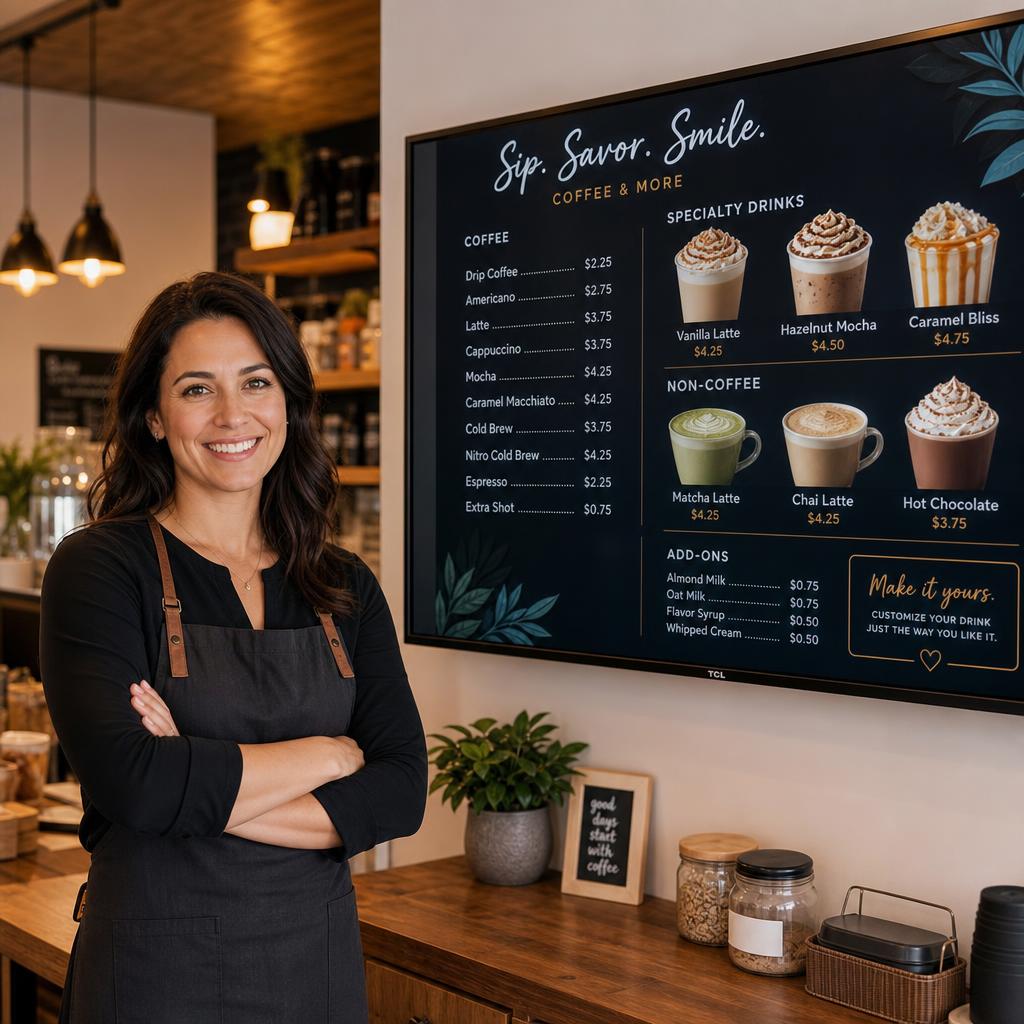
Your digital menu board in the café or restaurant
Show your menu big and appetising on a screen above the counter. Daily specials, prices and promotions change in seconds – no print shop, no chalkboard.
- Photograph your menu – the AI creates finished menu slides
- Automatic switching by time of day: breakfast, lunch, evening
- Offers and promotions instantly visible on all screens
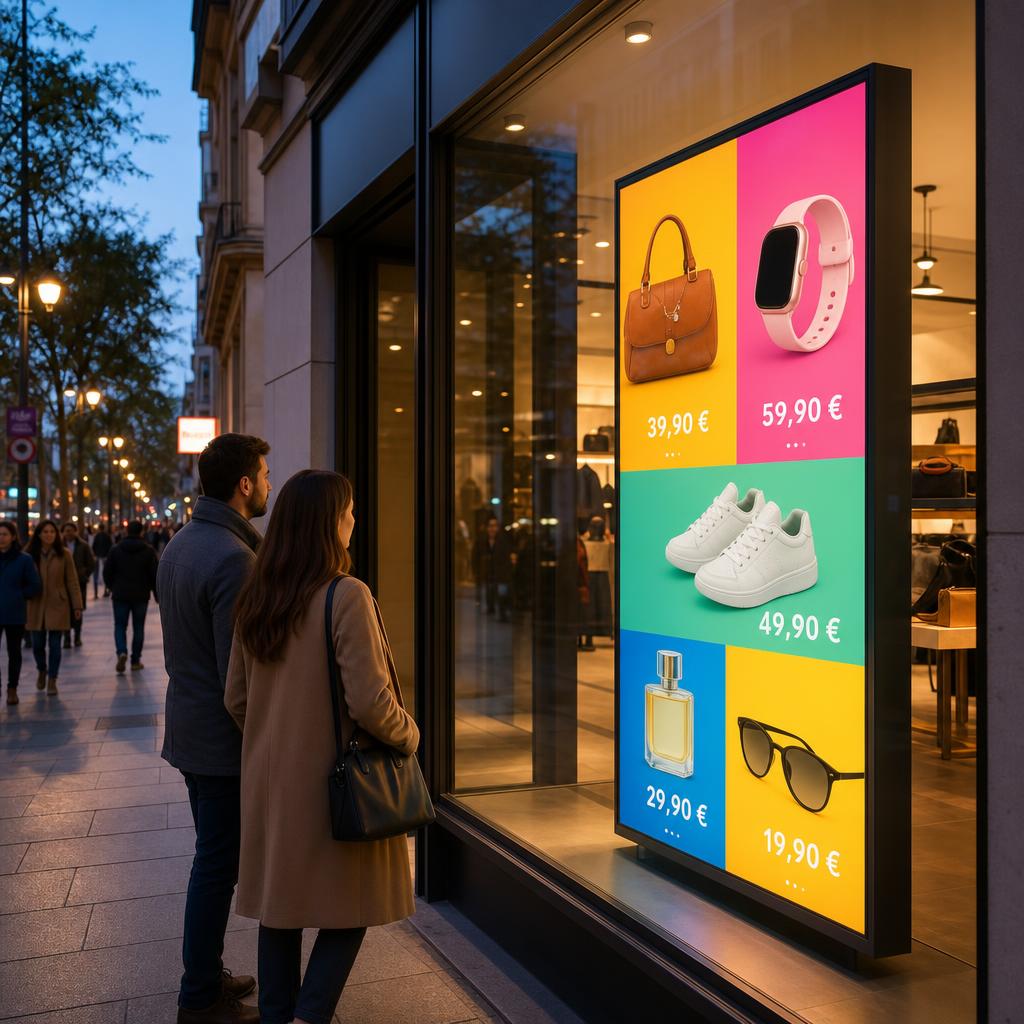
Advertising screen in the shop window – selling around the clock
Your shop window works even after closing time: a bright advertising screen shows current offers, opening hours and highlights – turning passers-by into customers.
- Eye-catching images and videos instead of fading posters
- Update offers anytime from your phone
- Works with almost any TV or monitor
Explore solutions: Digital signage for hospitality · Digital signage for retail · Digital menu boards
Try free for 30 days – then pay fairly
No credit card required. Then choose your plan.
- More than 5 screens
- 200 AI credits per year
- Each extra screen only +€2.50/year
Full details on the pricing page.
Why Bildschirmzentrale?
Digital signage doesn't have to be complicated or expensive. We built this system for owners – not for IT departments.
Ready in minutes
Register, upload content, open a link on your screen. No technician, no training, no installation CD.
AI assistant included
Describe your offer in one sentence – the AI creates finished ad slides, matching images and even complete menu layouts.
Runs on any device
Smart TV, Fire TV Stick, tablet, Raspberry Pi or an old laptop: anything with a browser becomes an advertising screen. No special hardware needed.
Schedules & automation
Breakfast menu in the morning, lunch menu at noon, cocktail offers in the evening – set it once, automatic forever.
Personal setup service
No time or no interest in technology? Write to us – we set everything up for you, or a partner comes to your location.
Privacy & control
Your content belongs to you. Only you see your screens and media – separated and protected per account.
Guides & tutorials
From wall mounting to kiosk mode: our step-by-step guides help you set up your advertising screen.
Mounting a screen
On the wall, in the shop window or above the counter: how to mount your advertising screen safely and professionally.
Read the guides →Setting up kiosk mode
Fire TV Stick, smart TV or Raspberry Pi: how to make your screen play the slideshow fullscreen all day.
Read the guides →All guides
The complete overview: mounting, device selection, cost comparisons and practical everyday tips.
View all →Your screen is waiting.
Register for free and bring images, videos and offers to your own advertising screen today.
Try free for 30 daysFrequently asked questions
What is digital signage?
Digital signage means using a TV or monitor to show digital content such as images, videos, offers or menus, controlled by central software like Bildschirmzentrale. Instead of printing posters, you update content with a click – from your desk or on the go from your phone.
Which devices can I use as an advertising screen?
Almost any device with a browser: smart TVs, an affordable Fire TV Stick plugged into any TV, tablets, mini PCs, Android boxes or a Raspberry Pi. Just open a URL – the screen plays your slideshow automatically in a permanent loop. See our device guides for details.
Do I need technical skills?
No. Register, upload content or let the AI assistant create it, connect your screen – that's it. And if you prefer, we or a local partner set everything up for you. Use the contact form below.
Can I show my menu digitally?
Yes – it's one of the most popular use cases. Photograph your existing menu or paste the text: the AI assistant automatically creates attractive slides for your digital menu board, including matching images.
What does Bildschirmzentrale cost?
Try free for 30 days – no credit card required. After that: Basic €49/year (up to 5 screens + 50 AI credits) or Pro €99/year (more than 5 screens + 200 AI credits, each additional screen from the 6th only +€2.50/year). See the pricing page for details.
Write to us – we reply personally.
Questions about setup, pricing or want us to set everything up for you? Get in touch – a partner can also come to your location.